Markdown Viewer - Advanced Demo (H1)
Welcome to the advanced Markdown reader. Paste any .md file, drag & drop it, or edit live. This sample proves every component below.
Headings (H2)
Sub-heading (H3)
Level four (H4)
Level five (H5)
Level six (H6)
Text formatting
Bold, italic, bold + italic, strikethrough, highlight, inline code, underline (HTML), marked (HTML), H2O with sub, E=MC2 with sup, Ctrl + K.
GitHub-style alerts render as callouts. Use
> [!NOTE], [!TIP], [!WARNING], [!CAUTION], [!IMPORTANT].Links and images
Online Markdown Viewer · GitHub · Auto-link: https://example.com · Email: hello@example.com
Lists
Unordered list
- Apples
- Oranges
- Blood orange
- Navel
- Bananas
Ordered list
- First step
- Second step
- Nested one
- Nested two
- Third step
Task list
- Write markdown
- Preview HTML
- Export to PDF
- Share with team
Blockquotes
Simple blockquote.
Second paragraph inside quote.
Nested quote - great for docs.
Tables (GFM)
| Feature | Syntax | Supported |
|---|---|---|
| Headings H1–H6 | # … ###### |
✅ Yes |
| Bold / Italic | **x** / *x* |
✅ Yes |
| Tables | ` | a |
| Math | $x^2$ |
✅ KaTeX |
| Diagrams | ```mermaid` | ✅ Mermaid |
Code blocks
// JavaScript with syntax class
function greet(name) {
  return `Hello, ${name}!`;
}
console.log(greet('Markdown'));
def fib(n):
    a, b = 0, 1
    for _ in range(n):
        yield a
        a, b = b, a + b
npm install
npm run dev
Mathematical expressions (KaTeX)
Inline math: , , .
Display math:
Mermaid diagrams
graph TD
  A[Start] --> B{Is it Markdown?}
  B -- Yes --> C[Render preview]
  B -- No --> D[Convert to Markdown]
  C --> E[Export PDF / HTML]
  D --> C
Sequence diagram (Mermaid)
sequenceDiagram
  participant U as User
  participant E as Editor
  participant P as Preview
  U->>E: Types **Markdown**
  E->>P: Parses GFM + Math + Mermaid
  P-->>U: Live HTML + Diagrams
HTML elements (sanitized)
Click to expand raw HTML block
You can embed safe HTML - details, kbd, abbr, images, links.
- Markdown
- Lightweight markup language.
- GFM
- GitHub Flavored Markdown: tables, task lists, strikethrough.
Escaping characters
*Not italic*, # Not a heading, [not a link], backtick: `code`, > not a quote, - not a list, $ not math, | table pipe.
Footnote-style link: see CommonMark spec.
The Ultimate Markdown Tools Platform
Write, preview, and convert your Markdown files securely in your browser. Whether you are drafting a GitHub README, writing technical documentation, or simply taking notes, our platform delivers an unparalleled, distraction-free experience. No accounts, no data tracking, just pure speed.
Live Split-Screen Preview
Our Online Markdown Viewer provides a seamless, side-by-side editing experience. As you type standard markdown syntax on the left, the right pane instantly renders beautifully formatted HTML. Perfect for developers crafting a README, or technical writers drafting complex documentation.
- ✓ Syntax highlighting and code blocks
- ✓ Seamless table generation and formatting
- ✓ Clean, modern, highly-readable typography

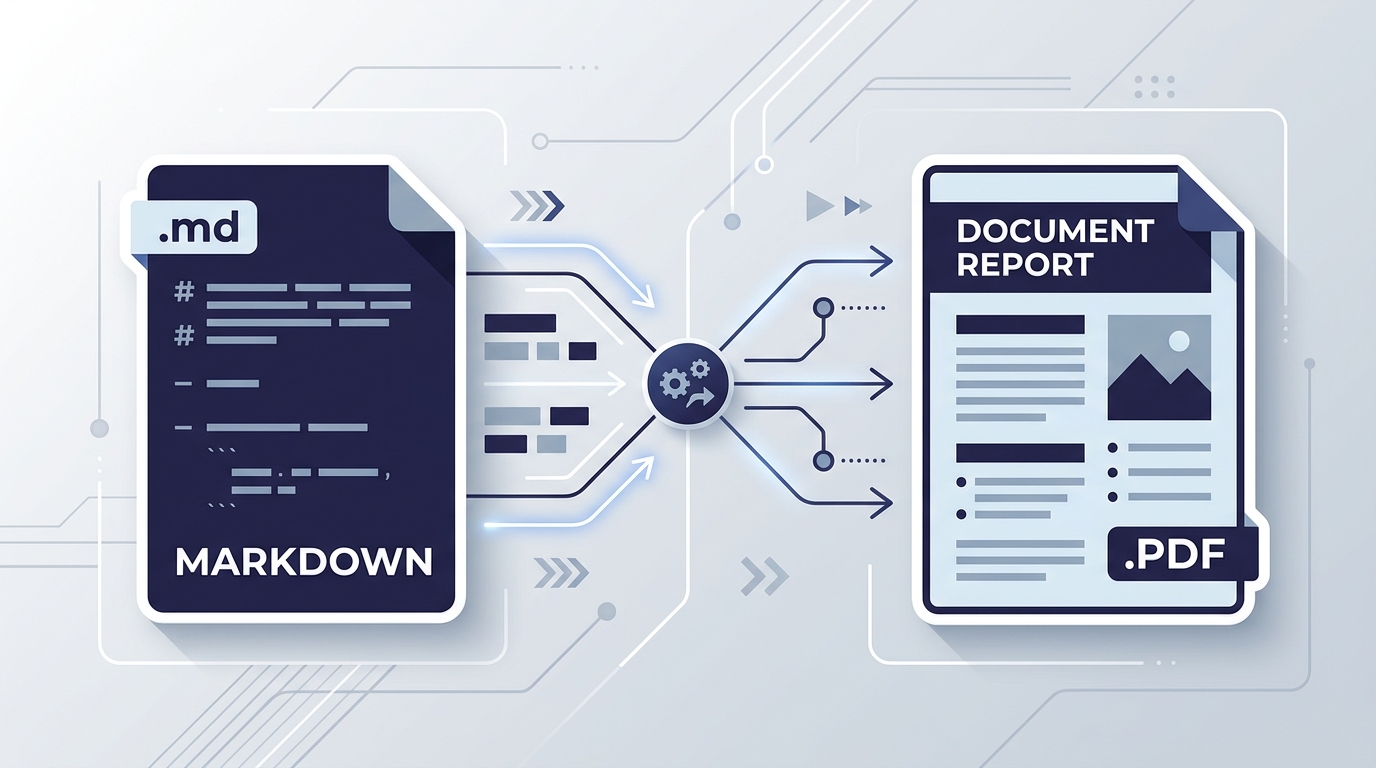
Export to PDF & HTML Instantly
Need to share your document in a professional format? Use our built-in Markdown to PDF converter to instantly generate print-ready documents with a single click.
Everything is processed directly in your browser using standard web APIs. This means your sensitive notes, API keys, and proprietary code never touch a remote server, ensuring maximum privacy and compliance. You can also export to standard HTML, Word, or simply copy the rich text directly to your clipboard.
Designed for Modern Workflows
For Developers
Drafting GitHub readmes, API documentation, or change logs is faster when you can instantly visualize your formatting without repeatedly committing to a repository.
For Technical Writers
Combine the simplicity of Markdown with the power of instant visual feedback. Write distraction-free and export directly to PDF for client deliverables.
For Students & Researchers
Take structured notes during lectures or research sessions. Leverage auto-saving to ensure you never lose a thought, and export to HTML for web publishing.
Frequently Asked Questions
Everything you need to know about the product and how it works.