Convert Markdown to Microsoft Word Online in Seconds
Markdown is loved by developers and writers for its speed, but Microsoft Word remains the standard format in corporate offices, legal reviews, and client deliverables. This free converter turns your plain-text Markdown into formatted Word documents with preserved tables, headings, code snippets, and lists. All processing occurs locally in your browser with complete privacy.
How to convert Markdown to Word
- Step 1: Write or paste Markdown. Enter your document text in the left pane or customize the default proposal template.
- Step 2: Inspect the Word preview. Verify table columns, heading styles, and page margins in the real-time document preview pane.
- Step 3: Export to Word. Click Download Word (.doc) to save your file, or click Copy for Word to paste styled text directly into any open document.

Why use this Markdown to Word converter?
Combines plain-text speed with enterprise-ready document output.
Native Microsoft Word Compatibility
Generates files packaged with standard Office schemas, ensuring flawless compatibility across Microsoft Word, Google Docs, and LibreOffice.
Full Table & Hierarchy Preservation
Tables retain borders and header fills, while H1, H2, and H3 tags map into standard heading styles used in professional business reports.
Instant Clipboard Copy for Word
Use the Copy for Word button to copy rich formatted markup directly, letting you paste formatted text straight into active Word or Google Docs tabs.
100% In-Browser Privacy
Zero server uploads or background logging. Proprietary technical specs, proposals, and customer agreements stay strictly on your local machine.
Simulated Print Layout Preview
Review your text inside a calibrated print sheet preview with realistic page borders and typography before downloading.
Zero Signup or Paywalls
Free for personal and commercial projects without daily limits, subscriptions, or watermarks stamped onto your exported files.
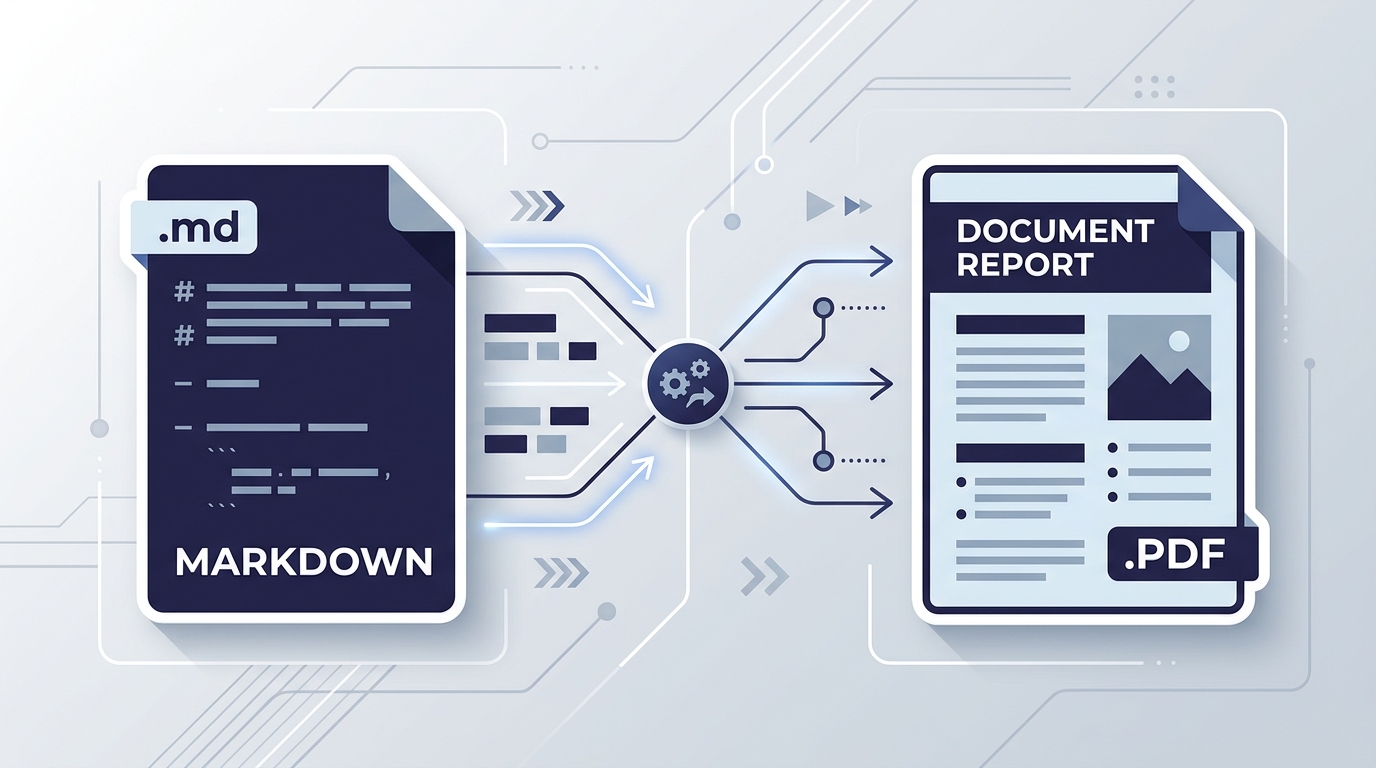
Collaborate smoothly across technical and executive teams
Engineers prefer writing in lightweight, version-controlled Markdown inside their code editors. However, marketing, legal, and executive stakeholders need track changes, comments, and Word compatibility.
Our tool creates immediate harmony between both worlds: maintain your master copies in Git and export clean Word files whenever you need external stakeholder input.
Need a PDF instead? Convert directly with our Markdown to PDF tool, or export raw markup with our Markdown to HTML converter.
Engineered for modern documentation workflows
Engineering & Product Teams
Convert technical specs and software READMEs written in Markdown into polished Word documents for non-technical stakeholders and executives.
Freelancers & Consultants
Draft proposals, project scopes, and invoice breakdowns in quick Markdown, then export clean Word files clients can annotate and review.
Academic Researchers & Students
Write literature notes and thesis outlines in Markdown and export to Word for final submission, peer review, or institutional formatting requirements.
Content Marketers & Copywriters
Draft articles in distraction-free Markdown editors and deliver standard Word files to editors and content management review boards.
Tips for perfect Word document formatting
- Consistent heading levels: Use H1 (#) for the main document title and H2 (##) for major sections so Word maps them to document outline styles.
- Narrow table widths: Keep tables under 6 columns to ensure columns fit comfortably within standard A4 or Letter page margins without horizontal clipping.
- Need syntax assistance? Visit our Markdown cheat sheet or edit live in the online Markdown editor.
Markdown to Word FAQs
Answers to common questions about converting Markdown to Microsoft Word documents.