Markdown to PDF Converter
Choose how to start - then convert it to PDF below
Document Title
Write your markdown here to convert it to a print-ready PDF.
Convert Markdown to PDF Online in Seconds
Markdown is the fastest way to write, but PDF is still the format the world expects for sharing. This free converter bridges the gap: paste your .md content, watch it render live with headings, tables, and code blocks intact, then save a print-ready PDF with a single click. No uploads, no accounts, no watermarks - your words stay on your device from start to finish.
How to convert Markdown to PDF
- Step 1 Add your Markdown. Type directly into the editor, or paste content from any
.mdfile, README, or notes app. - Step 2 Preview the result. The right-hand pane renders your document instantly so you can catch formatting slips before exporting.
- Step 3 Save as PDF. Click the button above, pick Save as PDF in the print dialog, and your file downloads right away.
Why use this Markdown to PDF converter?
Everything is tuned for one job: flawless Markdown-to-PDF output.
No signup, no watermark
Convert as many documents as you like without creating an account. Your PDFs come out clean - no branding stamped on your work.
Private by design
Everything renders on your own device. Sensitive reports, resumes, and client drafts never touch a remote server.
Formatting preserved
Headings, tables, task lists, quotes, links, and images carry over from Markdown into the finished PDF automatically.
Code stays readable
Fenced code blocks keep their dark styled panels and monospace type, so technical docs and READMEs export beautifully.
Live preview first
Proofread the fully rendered document before you export. Fix a typo or a broken table now, not after printing.
Works everywhere
Any modern browser on Windows, macOS, Linux, Android, or iOS can save the PDF - nothing to install or update.
Markdown for writing, PDF for sharing
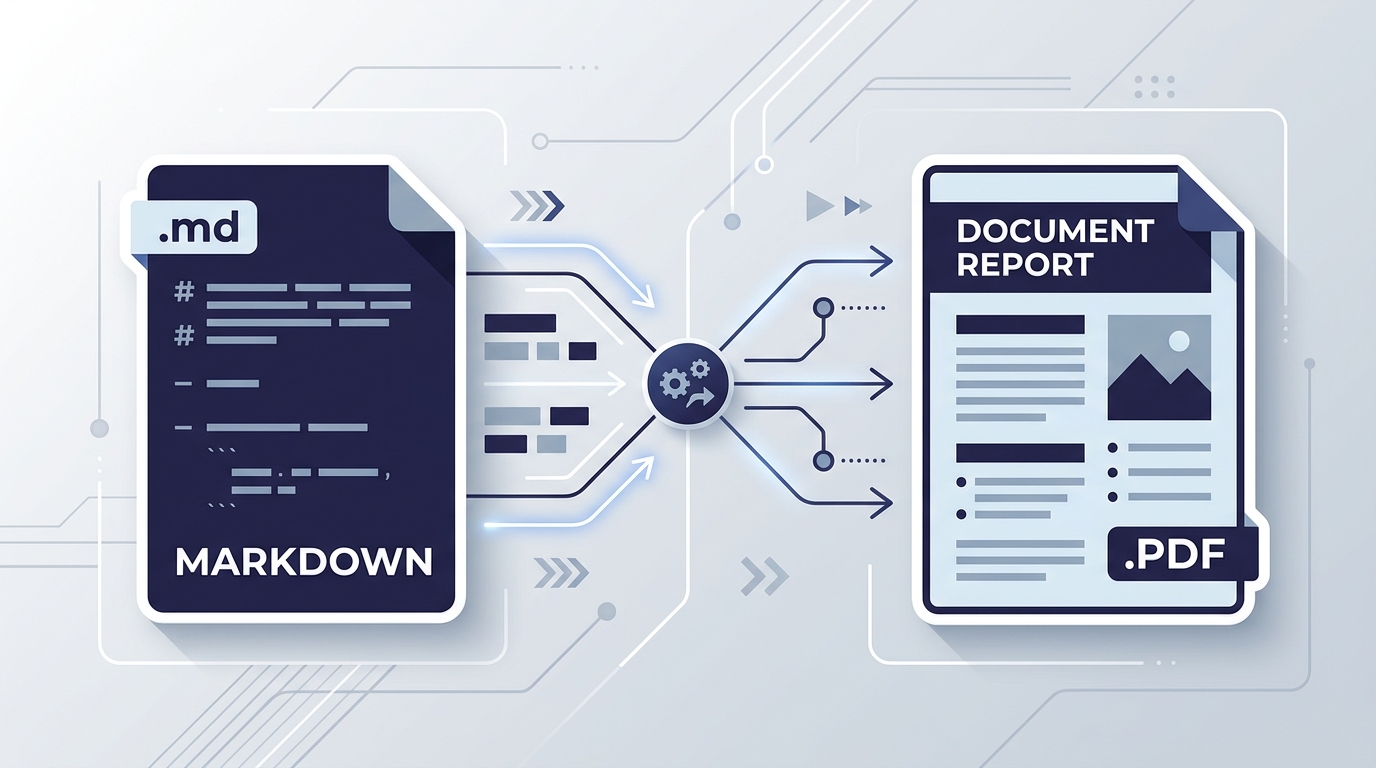
Markdown keeps drafting fast and distraction-free, but recipients usually want a fixed-layout file that looks identical everywhere. Converting to PDF locks in your fonts, tables, and page flow - ideal for anything that leaves your desk: contracts, manuals, portfolios, and published guides.
Prefer the web instead? Export the same document with our Markdown to HTML converter, or polish it first in the online Markdown editor.
Made for real-world documents
For developers
Ship API docs, changelogs, and README files as PDFs your whole team can open, whether or not they know Markdown.
For freelancers
Turn project proposals, invoices, and status reports written in Markdown into polished PDFs clients expect.
For students & researchers
Convert lecture notes, lab write-ups, and thesis drafts into submission-ready PDFs with tables and equations intact.
For job seekers
Maintain your resume in version-controlled Markdown, then export a crisp PDF every time you apply somewhere new.
Tips for a perfect PDF
- Enable background graphics in the print dialog so code blocks, tables, and callouts keep their styling.
- Use one H1 for the title and H2s for sections - a clean hierarchy produces natural, predictable page breaks.
- Keep tables narrow (under six columns) so no content gets clipped on A4 or Letter paper.
- New to the syntax? Our Markdown cheat sheet covers every element that exports cleanly.
Markdown to PDF FAQs
Short answers to the questions converters get asked most.