HTML to Markdown Converter
(154 words · 1,032 chars)Convert HTML Code to Clean Markdown in Seconds
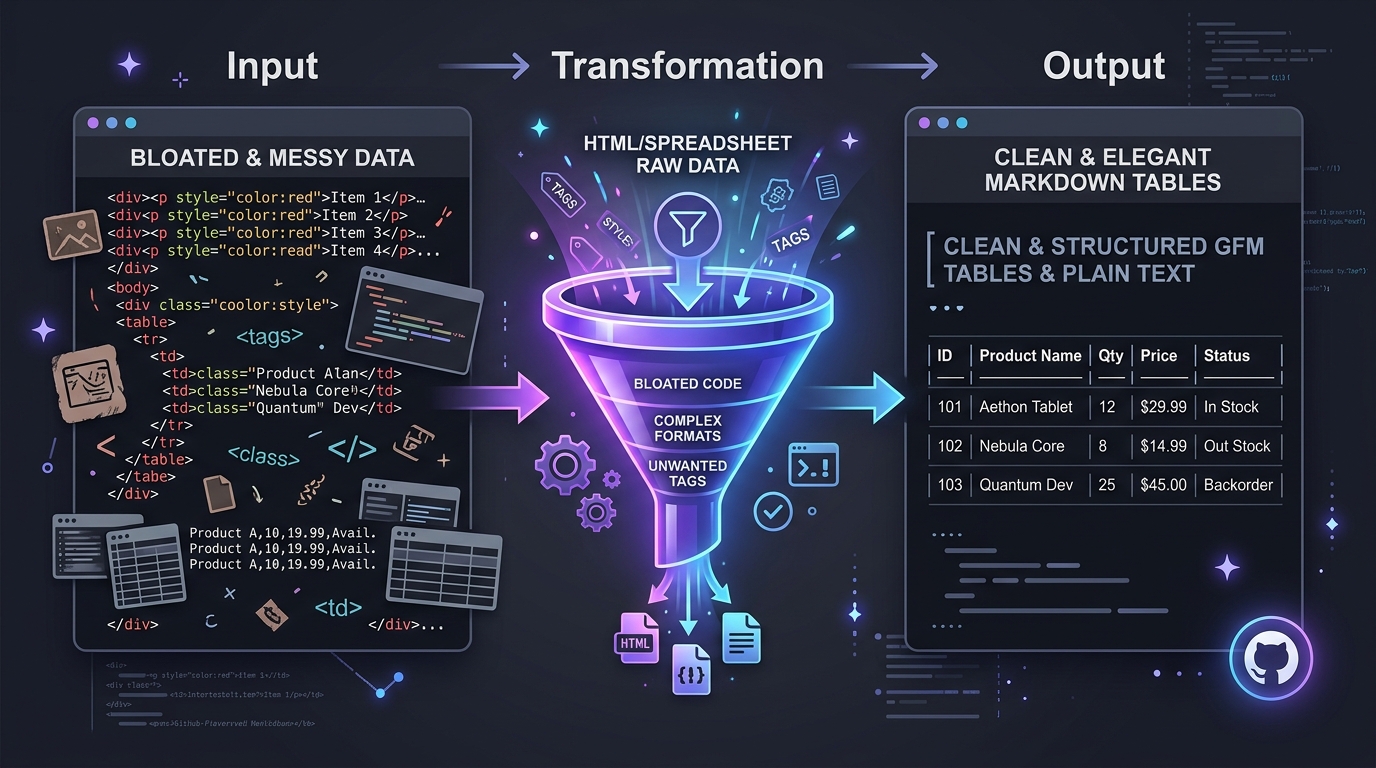
Websites and web applications run on HTML, but managing documentation in raw HTML tags is verbose and difficult to maintain. This free converter strips away tags, inline styles, and div wrappers, leaving you with clean, human-readable Markdown syntax. Everything processes directly in your browser with zero server uploads and total privacy.
How to convert HTML to Markdown
- Step 1: Input your HTML. Paste raw HTML code into the editor or upload any .html file from your device.
- Step 2: Review the Markdown output. Our parser converts headings, tables, code fences, and lists in real time.
- Step 3: Copy or download. Click Copy Markdown to place the syntax on your clipboard, or click Download .md to save the file.
Why use this HTML to Markdown converter?
Tuned for code cleanliness, speed, and standard GitHub Flavored Markdown compliance.
Clean Semantic Translation
Translates messy HTML tags into standard Markdown while discarding nested div clutter, inline styles, and unneeded attributes.
Full GFM Table & List Support
Converts HTML tables into pipe-delimited Markdown tables and maps nested ordered and unordered lists into clean indentation.
Automated Link Tracking Sanitization
Strips out annoying marketing query parameters like utm_source and fbclid from links to keep documentation clean.
100% In-Browser Privacy
All conversions take place client-side. Proprietary web code, client portals, and confidential intranets are never uploaded anywhere.
Live Rendered Preview Mode
Inspect the generated Markdown in code view or switch to the live rendered preview to verify formatting and link integrity.
Zero Limits & No Signup
Free for developers, technical writers, and students with no conversion paywalls, file size gates, or email collection.
From complex markup to plain text agility
HTML is ideal for rendering pages in a browser, but it is heavy and cumbersome for version control and daily content editing.
Converting your web pages to Markdown allows you to store knowledge in plain text, perform instant full-text searches, and automate content with modern static site builders.
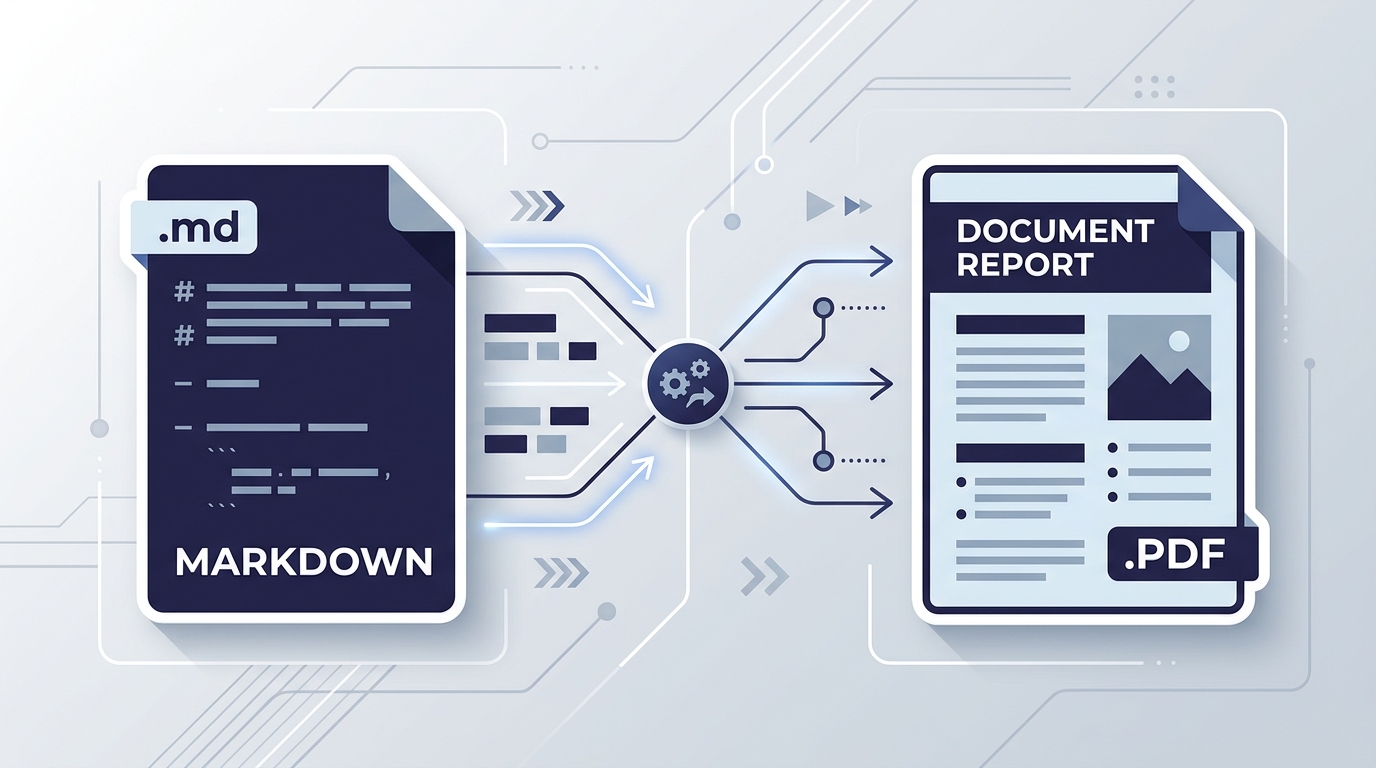
Want to convert in the opposite direction? Use our Markdown to HTML converter, or export documents with our Markdown to PDF tool.
Built for developers, technical writers, and content teams
CMS Migrations & Web Developers
Migrate legacy blogs and WordPress databases from raw HTML into clean Markdown files for static site generators like Hugo, Astro, and Next.js.
Technical Documentation Teams
Convert web help portals, API references, and external support wikis into version-controlled Markdown in Git repositories.
Note-Takers & Researchers
Clip web article source codes and blog posts into clean Markdown to ingest into Obsidian, Notion, or Roam Research vaults.
Web Scrapers & Data Engineers
Sanitize scraped HTML web pages into readable Markdown text for feeding into Large Language Models and semantic RAG systems.
Tips for optimal HTML conversion
- Clean input markup: The tool handles malformed HTML, but well-structured semantic tags (like article, h1-h6, and table) yield the highest fidelity Markdown.
- Check code blocks: Preformatted blocks wrapped in <pre><code> automatically translate into fenced Markdown code blocks.
- Need full reference? Review every supported element in our Markdown cheat sheet, or refine notes in our online Markdown editor.
HTML to Markdown FAQs
Answers to common questions about converting HTML markup to Markdown syntax.