Word to Markdown Converter
Drop your Word document (.docx) here, or browse files
Files are converted 100% inside your browser. No files are uploaded to any server, keeping your data confidential.
Convert Microsoft Word Documents to Markdown in Seconds
Microsoft Word is great for drafting corporate memos, but binary .docx files cannot be easily searched, diffed in Git, or published on developer documentation sites. This free converter extracts your text, headings, tables, and lists into clean, readable Markdown syntax. Everything processes directly inside your browser with complete privacy and zero server uploads.
How to convert Word to Markdown
- Step 1: Upload your Word document. Drag and drop your .docx file into the dropzone or test with our sample report.
- Step 2: Review the extracted structure. Our client-side parser unpacks styles, headings, tables, and bullet points in real time.
- Step 3: Copy or download. Click Copy Markdown or click Download .md to save your formatted file.
Why use this Word to Markdown converter?
Designed for formatting accuracy, speed, and complete document confidentiality.
Flawless Document Hierarchy
Translates Word Title, Heading 1, Heading 2, and Heading 3 paragraph styles into standard H1, H2, and H3 Markdown hashes.
Word Table Conversion
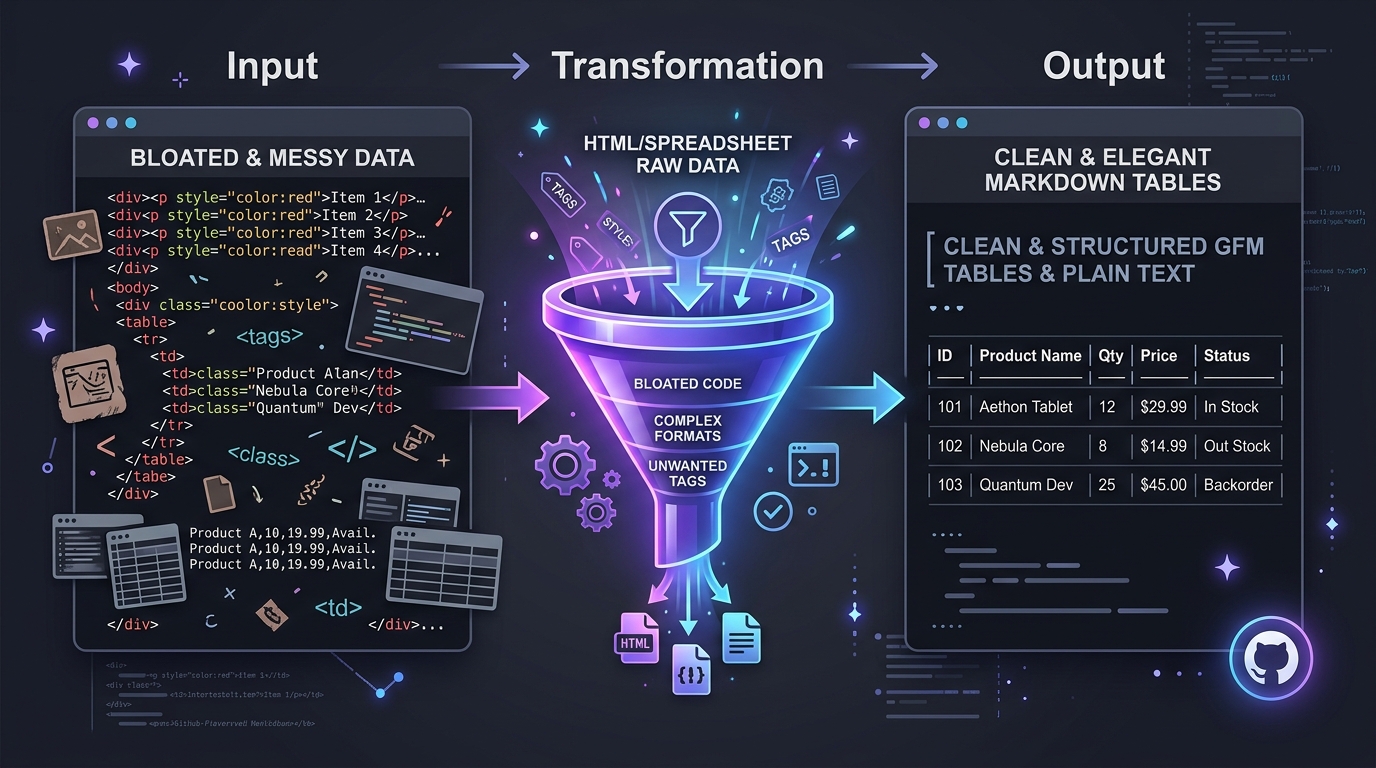
Converts multi-row and multi-column Microsoft Word tables into clean GitHub Flavored Markdown tables with pipe dividers.
100% Client-Side Privacy
Your document never leaves your machine. Internal memos, client proposals, and NDA-protected text remain strictly confidential.
Strips Word Bloat & Formatting Junk
Removes proprietary Microsoft Office XML artifacts, custom fonts, and inline line-height clutter, leaving pristine plain text.
Interactive Split Workspace
Review the generated Markdown side-by-side with a live rendered HTML preview before downloading or copying to your clipboard.
Free with No Limitations
Convert documents of any length without signing up, entering payment details, or dealing with daily file limits.
Break free from proprietary document formats
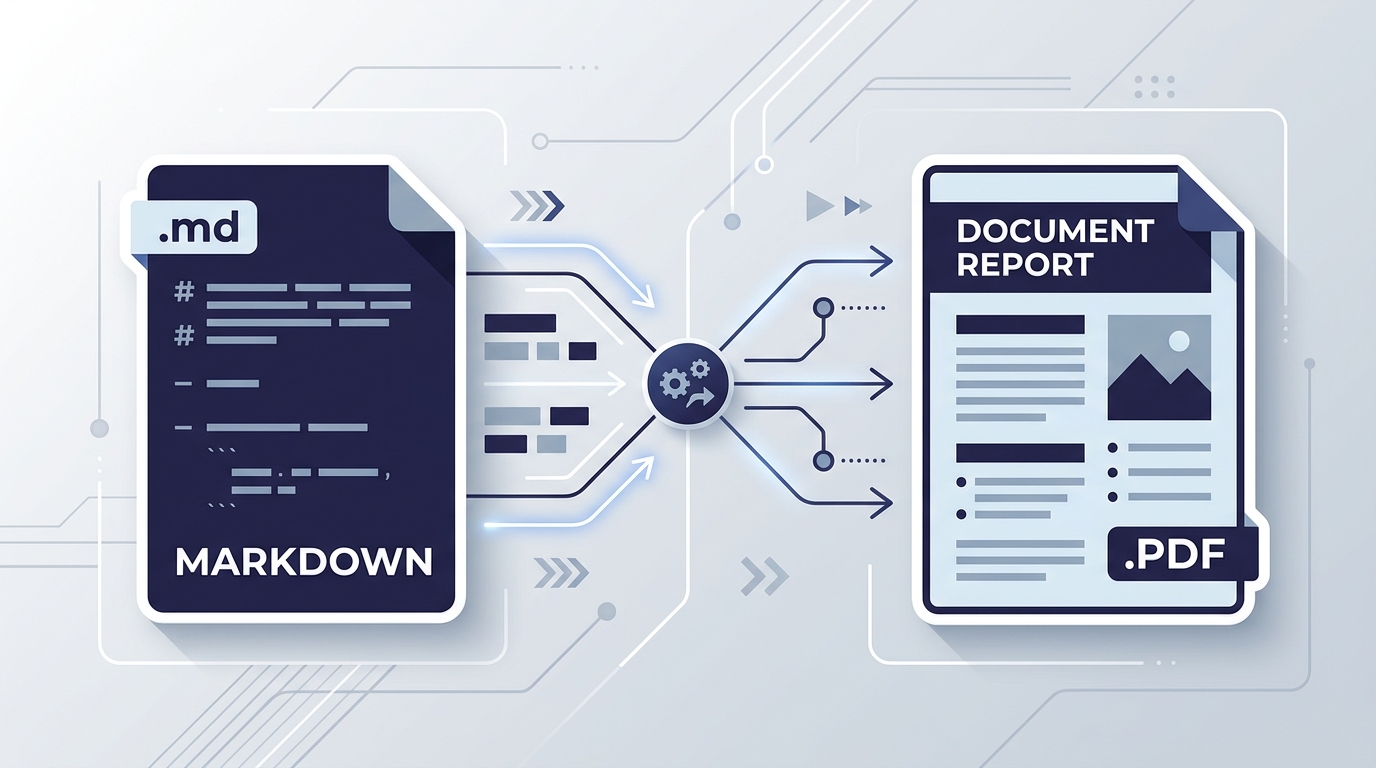
Word documents bundle custom margins, proprietary XML font tags, and bloated styles that make sharing across platforms clunky.
Converting to Markdown preserves your content essentials: headings, emphasis, tables, quotes, and links, while liberating your text for version control, static site generators, and developer portals.
Need to convert back to Word? Try our Markdown to Word converter, or export documents with our Markdown to PDF tool.
Engineered for developers, writers, and technical teams
Technical Writers & Documentation Teams
Migrate corporate manuals and legacy specifications from Microsoft Word into Git-backed Markdown repositories.
Developers & Software Engineers
Convert product requirements documents (PRDs) and client briefs from Word directly into repository READMEs and issue tickets.
Students & Academic Researchers
Import Word drafts, literature notes, and essay outlines into personal knowledge management apps like Obsidian and Notion.
Publishers & Content Teams
Receive submissions from authors written in Word and convert them into clean Markdown for static website builders and Jekyll blogs.
Tips for perfect Word conversion
- Use standard Word heading styles: Apply Heading 1, Heading 2, and Heading 3 in Word rather than just increasing font size to ensure automatic heading hash conversion.
- Save as .docx: Save legacy .doc files in standard modern .docx format before uploading for the cleanest structural extraction.
- Need full reference? Review every supported element in our Markdown cheat sheet, or write in our online Markdown editor.
Word to Markdown FAQs
Answers to common questions about converting Microsoft Word documents to Markdown.